Back to Section Home

Main Campus
Phone : 895-2311

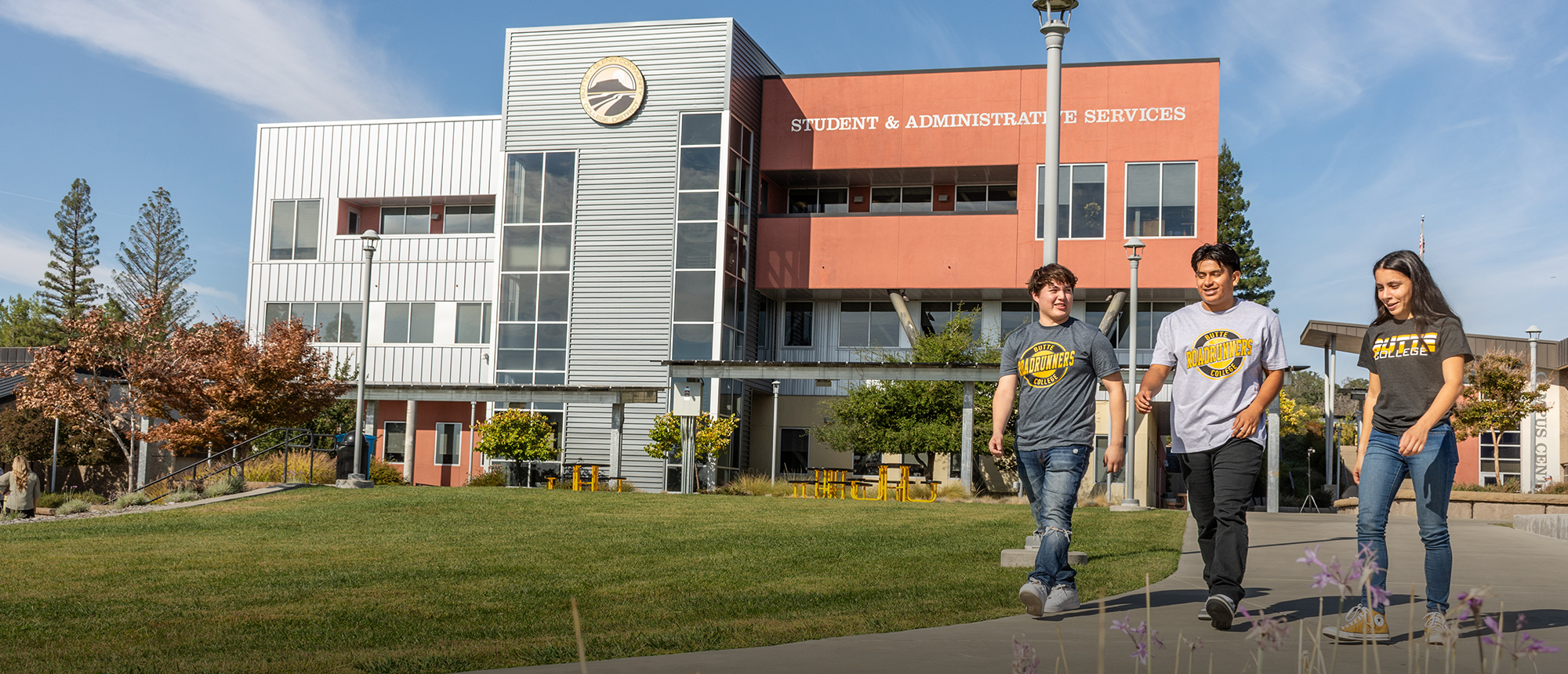
Office Location: SAS 160

Window Hours:
Mon - Thur 7:30 am - 4:00 pm

Email: financialaid@butte.edu


Chico Center Hours

Effective 6/10/13
Tues   8:00 - 11:30


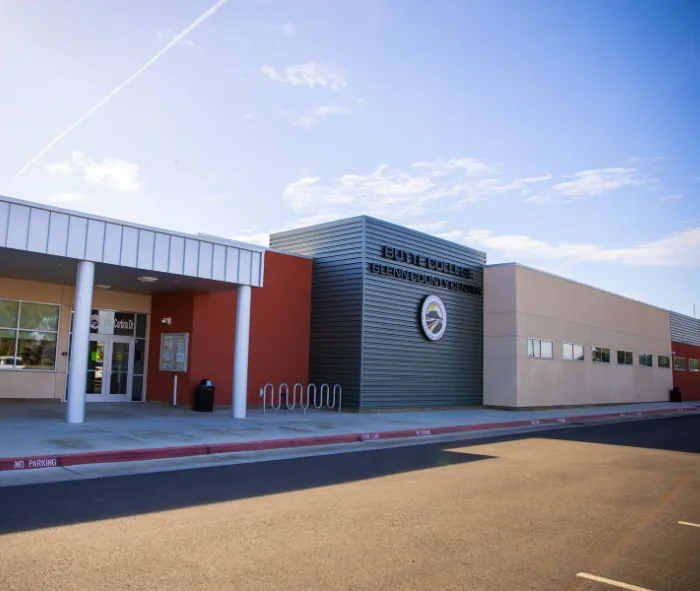
Glenn County Center

No Summer Hours

FB

Financial Aid

Federal School Code: 006972


6 Steps to Financial Aid

GENERAL ELIGIBILITY REQUIREMENTS

  • Complete the FAFSA (Free Application for Federal Student Aid) www.fafsa.ed.gov
  • Be a U.S citizen or an eligible noncitizen
  • NEW! For AB540 students: complete the confidential California Dream Act Application . Additional information is available at: http://www.csac.ca.gov/dream_act.asp .
  • Register with Selective Service, if required (males 18 to 25). If you are over the age of 26 and never registered, you will have to mail a Request for Status Information Letter to the Selective Service Agency to evaluate your information
  • Be enrolled or accepted as a regular student into a degree-granting or eligible certificate program
  • Maintain Satisfactory Academic Progress (SAP) toward your college educational goal
  • Certify that you are not in default on a federal student loan or owe money on a federal student grant
  • Certify that you will use federal student aid only for educational purposes
  • Show you're qualified to obtain a college education by
    • Having a high school diploma or a recognized equivalent such as a General Educational Development ( GED) certificate or having passed the California High School Proficiency Examination (CHSPE)
    • Completing a high school education in a homeschool setting approved under state law.

Note: Only if you were enrolled in college prior to July 1, 2012, you may show you're qualified to obtain a higher education by

  • Passing an approved Ability-to-Benefit test
  • Completing six units applicable toward a degree or certificate with a minimum grade of "C"

STEP 1. Apply for Financial Aid

  • Request a PIN number at www.pin.ed.gov
  • The Department of Education PIN (Personal Identification Number) is an electronic signature used to sign the online Federal Student Aid application. Parents of dependent students must obtain separate PINs. Their electronic signature is also required.  
  • Fill out the Free Application for Federal Student Aid (FAFSA) or Renewal Application at www.fafsa.gov every year.  The FAFSA becomes available January 1st for the following academic year. File early. We recommend filing by March 2nd for consideration for all available aid. If the March 2nd Cal Grant Priority deadline has passed, fill out the FAFSA as soon as possible.
  • NEW! For AB540 students: complete the confidential California Dream Act Application instead of the FAFSA. Additional information is available at: http://www.csac.ca.gov/dream_act.asp . You will have a separate PIN process. Do not apply for a Department of Education PIN.
  • Look for your Student Aid Report (SAR).  About 5-7 days after submitting your FAFSA, the Department of Education will send a Student Aid Report (SAR) to both you and to each of the schools you listed on the FAFSA. The SAR will be sent by email if you put your email address on the FAFSA (preferred). If you do not have an email address, a paper version of the SAR will be sent to your mailing address. 
  • Check the SAR for accuracy and completeness. If an Expected Family Contribution (EFC) was not calculated, there is missing information you must provide. 
  • If you estimated your household income prior to filing taxes, return to www.fafsa.gov to make corrections. For 2012-2013, the Department of Education strongly recommends that you use the IRS Data Retrieval Tool for your (and your parents’) income and tax information. The retrieval tool offers FAFSA applicants and parents the ability to transfer their income information from the IRS to the FAFSA.

Step 2. Missing Information


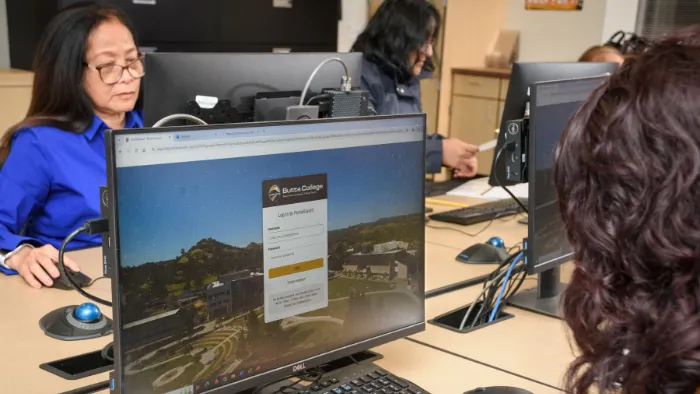
  • If your FAFSA is missing information, you will receive a Missing Information letter by email that lists the additional items needed to complete your application.  This email will be sent to your Butte College email address.  In addition, you can also look up missing information items by logging into MYBC. View Financial Aid/Required Documents. 
  • All requested forms are available through WebAdvisor or the Financial Aid Web site at www.butte.edu/financialaid. If forms have been recently turned into our office, please allow three days to post.
  • Important: Documents received will be date-stamped and files will be reviewed in date order when all requested documents have been received. A financial aid file is not complete until all requested items have been submitted and checked for completeness and accuracy.
  • The priority deadline for completing a financial aid file at Butte College is May 1st. If you miss the priority date, please return all requested items as soon as possible. Not returning requested items in a timely fashion will delay completion of your file and may delay receipt of financial aid.
  • California Dream Act applications will be processed separately and will follow a similar process.

Step 3. Verification

About one-third of financial aid applications are selected for a federal process called Verification. Such applications are marked by an asterisk (*) next to the EFC on the SAR. Students must submit a Verification Worksheet and utilize the IRS Data Retrieval Tool, or submit an official IRS tax return transcript from the previous year, for the student and/or parents, or for the student and/or spouse. Students are also notified through the Missing Information email letter that verification items are required.

It is possible that the verification process can lead to further requests for additional information and may result in a change to the EFC and financial aid offer. Please respond to all requests as quickly as possible.  

Review Step 2 for guidelines on how to follow through on requested information.  

Step 4. Satisfactory Academic Progress (SAP)

At the end of each semester and at the end of the summer, all files are reviewed for Satisfactory Academic Progress (SAP). Financial aid students must be making progress toward a degree, certificate of achievement, or transfer objective by maintaining a cumulative GPA of at least a 2.0 and by completing the units for which they are paid. For additional information on SAP policy, click on Satisfactory Academic Progress.

Step 5. Financial Aid Notification

Butte College email is the official means of communication at Butte College.  Students should check their Butte College email on a regular basis. Once your financial aid file is complete, you will receive a Financial Award Notification by email. The email will direct you to MyBC to view your actual award. Awards are calculated according to your need (determined by EFC), and estimated based on full-time enrollment (12 units per semester). Financial aid dollar amounts will be adjusted if your EFC changes or you are enrolled in less than full-time.

Students who are ineligible for grants will not have any funds listed but may be eligible for a loan. After receipt of the Financial Aid Notification Email, a student may submit a separate application for a Federal Direct Loan. Please note: Loan application packets are available only at the Financial Aid Office and are not online. Loan applications will be discarded for students who have not yet been notified that their file is complete. Loans are reviewed on a case-by-case basis and may be denied, reduced or cancelled. Satisfactory Academic Progress and earning a minimum of 6 units per term is a requirement for all borrowers.

Step 6. Disbursement of Funds

Butte College partners with Higher One, a financial services company, to provide students with a Higher One account and the option to choose how to receive financial aid disbursements. Students eligible for a financial aid disbursement, called a “refund,” can opt for the payment type of their choice – (1) an “Easy Refund” with a debit card (called the BC Access Card) for fastest receipt of funds, (2) an ACH transfer (direct deposit) into another bank account, or (3) a paper check sent from Higher One.

New students, who are enrolled and have a FAFSA on file with Butte College, will receive a card from Higher One in a bright green envelope mailed to their address of record. It is important to activate your account immediately and to select one of the above options as soon as you receive it. Go to www.butte.edu/financialaid and click on How to Activate your BC Access Card. You can select demonstration videos to provide information and to help you through the process.

The Financial Aid Notification Email lists the four main disbursement dates for the year. Awards are disbursed after your file is complete and you have cleared all holds. Your financial aid will be automatically applied toward any outstanding balance and the remainder will be refunded to you.

If your file is not completed in time for the first disbursement of the semester, eligible students may receive funds at an intermediate disbursement date. All grants are estimated based on full-time enrollment (12 units). Students enrolled in less than full-time will have their aid adjusted.

The first financial aid disbursement for the fall semester will be made to students on the Thursday before classes begin. Students who apply late or complete their files late, will receive their funds about two to four weeks after they receive their Financial Aid Notification Email from Butte College. Students who opt for Mobile Alerts from Higher One will receive a text when the funds are available in their account.

Students who failed to make Satisfactory Academic Progress may be ineligible for financial aid or have their refunds delayed. See Standards of Satisfactory Academic Progress for Financial Aid Recipients.


Butte College | 3536 Butte Campus Drive, Oroville CA 95965 | General Information 530.895.2511

Back to Top