Center for Academic Success
The Center for Academic Success (CAS) offers free tutoring, supplemental instruction, and workshops to help you build strong study skills and succeed in your classes. With locations across our service area and trained student leaders, CAS gives you the tools and support to reach your academic goals.
Get the Support You Need
-
 Improves Course Success in English and Math
-
 Moves You to Your Academic Goals
-
 Offered at all Butte College Locations
CAS Services

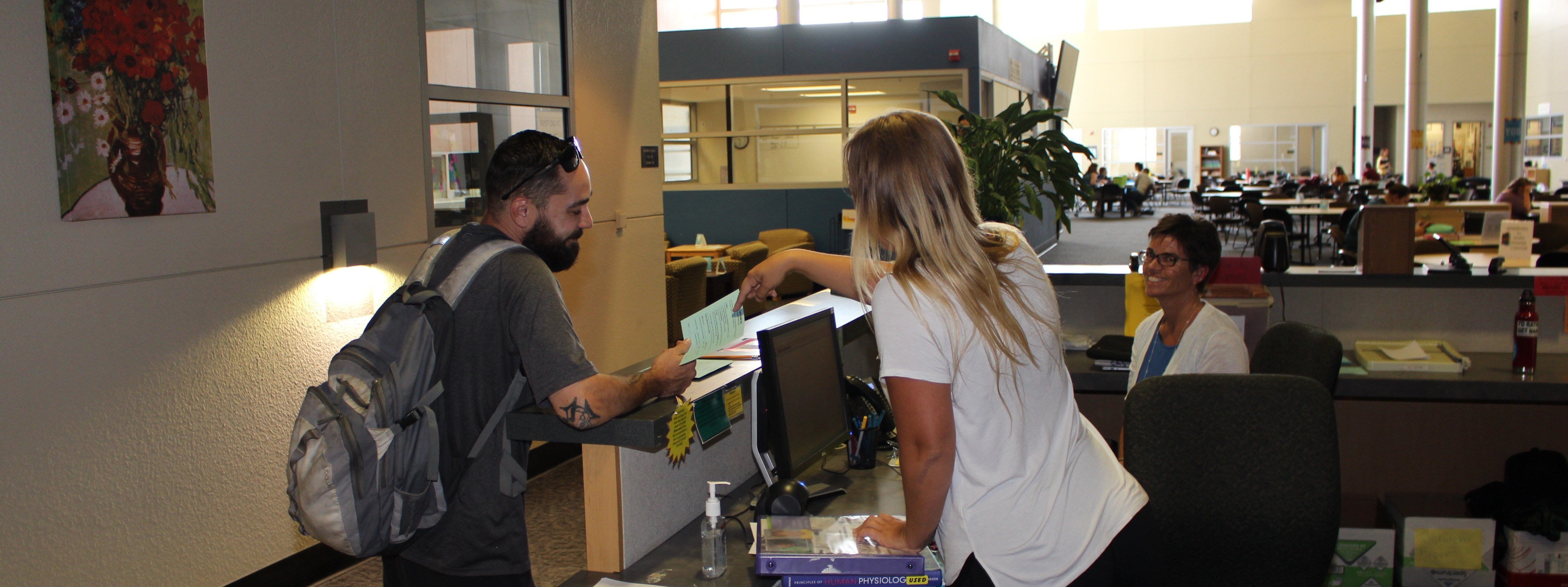
CAS provides tutoring support for a variety of subjects at all three locations. Specific Schedules are available in the Penji app. This is a free app in your app store. Access is also available in the EDUC 310 course in Canvas. Please contact us if you have trouble accessing tutoring schedules.
Fall 2026 Tutored Subjects: CMST, STATS, MATH, CSCI, ASL, CHEM, ECON, ANATOMY, ACCT, and MUSIC
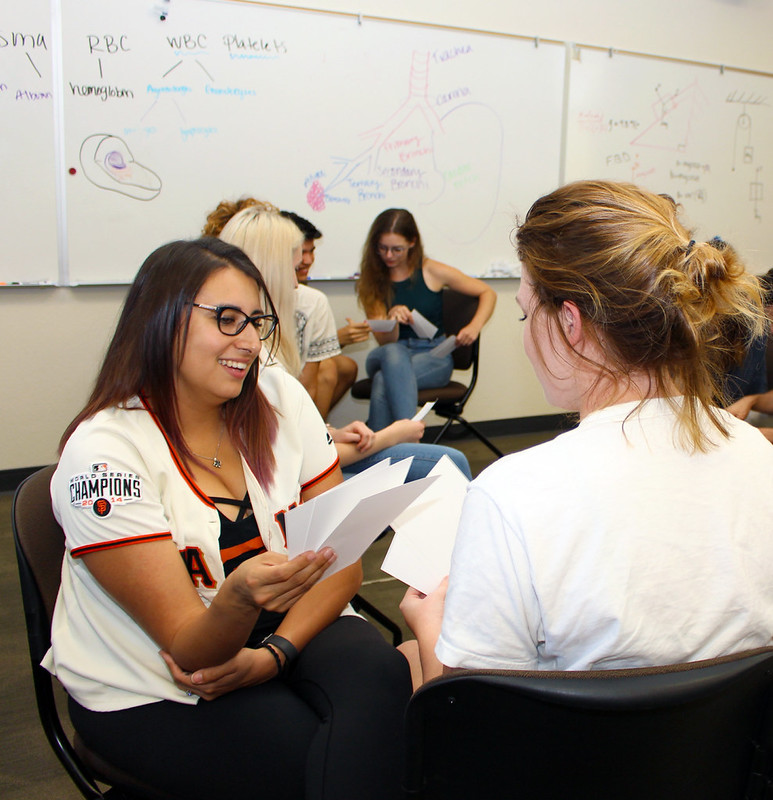
Butte College's Supplemental Instruction (SI) is a free, peer-led academic support program designed to help students succeed in traditionally difficult or "bottleneck" courses. It focuses on building collaborative study communities and improving overall course comprehension

Workshops focused on skills like time management, stress management, note-taking, test prep, and more.
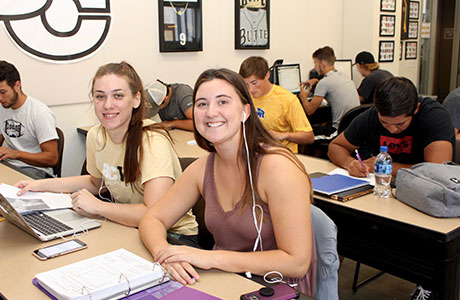
Support designed specifically for student-athletes, including structured study sessions, tutoring referrals, and positive academic habit coaching.
Supplemental Instruction (SI) is awesome! I've made so many friends in the session. Plus, I am doing better in class.
Meet the CAS Team
Hours & Locations
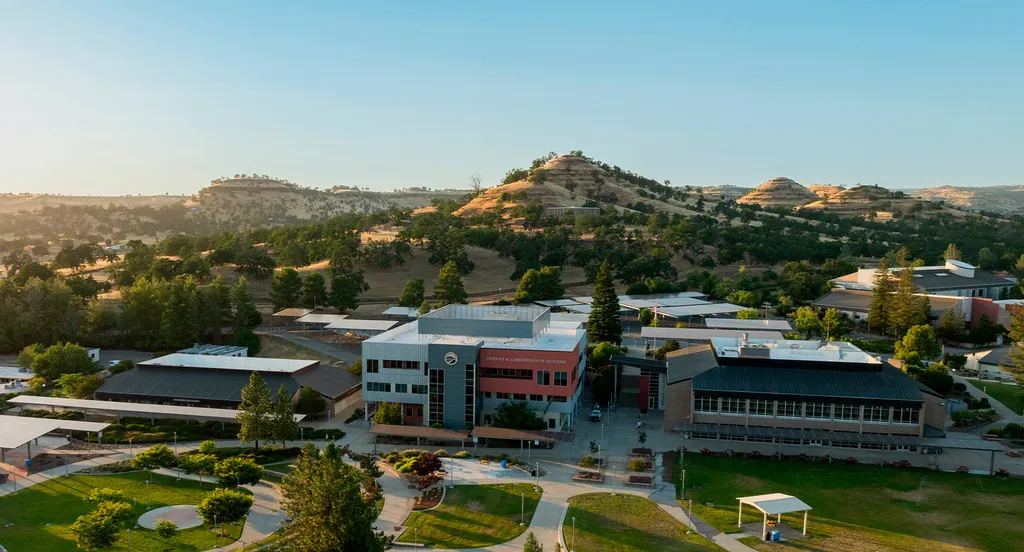
3536 Butte Campus Drive
Oroville, CA 95965
Closed Summer
Fall and Spring
Mon-Thurs: 7:30 a.m. - 5:00 p.m.
Fri: 8:00 a.m. - 12:00 p.m.
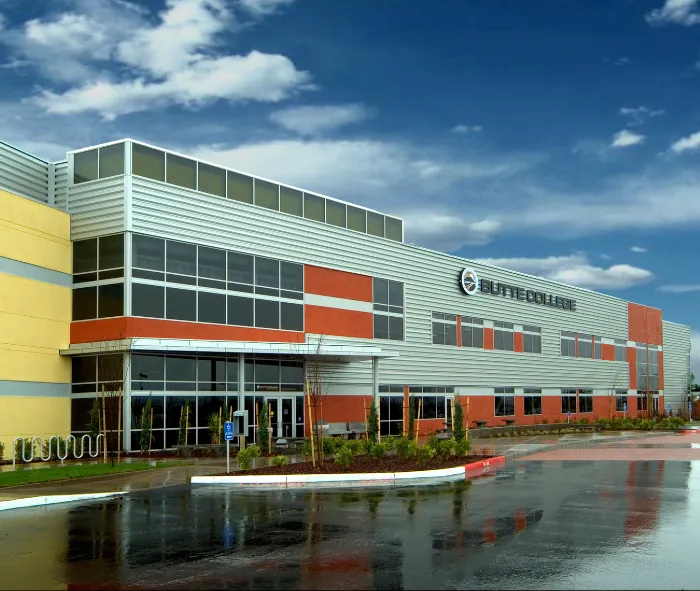
2320 Forest Avenue
Chico, CA 95928
Fall and Spring Hours
Mon-Tues: 9:00 a.m.-6:00 p.m.
Wed-Thurs: 10:00 a.m.-8:00 p.m.
Fri: 9:00 a.m.-12:00 p.m.
1366 Cortina Drive
Orland, CA 95963
Closed Summer
Fall and Spring Hours
Mon & Wed: 3:00 p.m. - 7:00 p.m.
Tues & Thur: 11:00 a.m. - 7:00 p.m.